
Every designer reaches a point where they realize the work isn't the problem the language is. You can make smart design decisions daily and still fumble when someone in a meeting asks why you kept the navigation minimal, or how you thought about the onboarding flow. The terms exist precisely so you don't have to invent explanations on the spot. And yet, most designers treat them like exam material: memorize for the interview, forget after. That's backwards.
I want to go through four categories of design vocabulary that I think every working designer should have a genuine handle on not because they'll appear in job descriptions, but because they describe things you're already doing. The problem is that without the words, you're doing them unconsciously, which means you can't explain them, defend them, or improve on them deliberately.
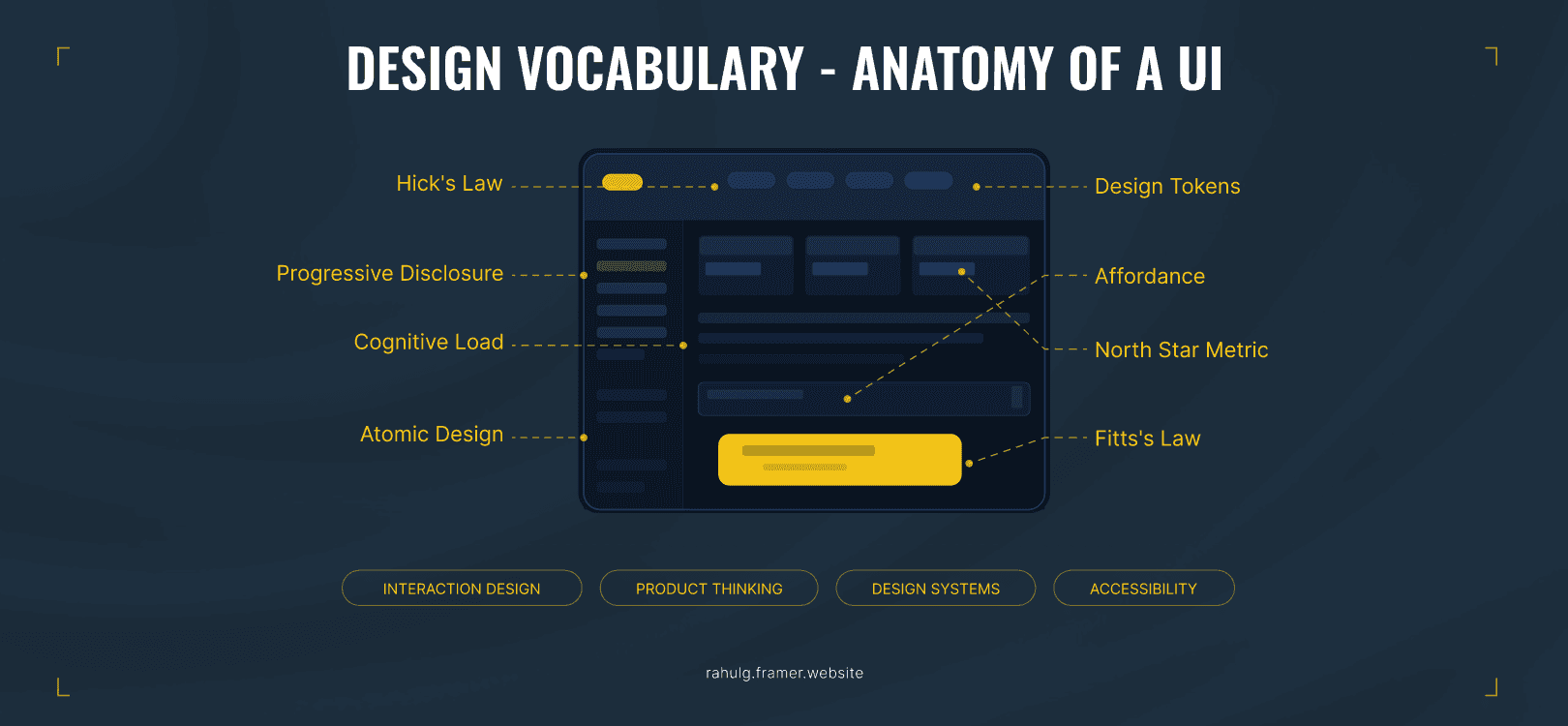
Start with interaction design. Progressive disclosure is probably the most misunderstood one on this list. It's not about hiding information it's about sequencing it so users don't drown before they've found their footing. I use it constantly in onboarding flows, where dumping every feature upfront is the fastest way to lose someone. Affordance sits next to it as a concept: the visual quality of an element that tells a user what it's for. A button should look pressable. A slider should look draggable. When affordance breaks down, users click the wrong thing and blame themselves, which is a failure of design, not a failure of the user. Cognitive load is the overhead behind all of it how much mental work someone has to do just to figure out what to do next. My job, in most screens I design, is to reduce that number. Fitts's Law gives me one practical tool for doing that: bigger targets, positioned closer to where a user's cursor already is, get clicked more accurately and faster. Hick's Law gives me another: fewer choices, faster decisions. These aren't academic. I've applied both in something as ordinary as a mobile menu and seen the difference in drop-off rates.
Product thinking is the set of concepts that bridges design and business, and I think designers avoid it more than they should. The North Star Metric is the single number your product is organized around for a messaging app it might be messages sent per week, for a SaaS tool it might be active workflows. Knowing what your product's North Star is changes how you prioritize design decisions. Activation is the first moment a user sees real value not when they sign up, when they actually get something out of the product. I spend a lot of time thinking about activation in onboarding because it's where most products bleed users. Retention and churn are the same story from two angles: are users coming back, or are they leaving? DAU and MAU daily and monthly active users are the metrics that show you whether the product is part of someone's actual life or something they tried once. I'm not a product manager, but understanding these numbers makes me a better collaborator with the people who are.

Design systems vocabulary is the one area where I see junior designers get tripped up most often, because the concepts feel technical when they're actually quite simple. Design tokens are the variables, colors, spacing, type sizes stored in a system so that changes happen in one place and ripple everywhere. Components are the reusable building blocks: a button, a card, a modal. Patterns are slightly higher-order: they're the standard ways you solve recurring problems, like how a form behaves when it fails validation, or how a dashboard filters data. Design debt is what accumulates when you bypass the system — when someone makes a one-off color because the token didn't feel right for this specific screen. It compounds. Left alone, design debt means ten different shades of blue across your product with no logic connecting them. Atomic Design is the methodology that gives you a way to think about all of this hierarchically, from smallest (atoms) to most complex (pages).
Accessibility is the category designers are most likely to treat as an afterthought, which is a decision that costs real users. WCAG the Web Content Accessibility Guidelines is the framework that defines what accessible means in practice, organized into levels A, AA, and AAA. The contrast ratio is one of the most basic and most frequently ignored requirements: AA compliance means at least 4.5:1 contrast between text and its background. I check this for every text element I ship. Screen readers convert visual UI into audio for users who are blind or have low vision, which means every image needs meaningful alt text and every interactive element needs to be labeled so it makes sense when read aloud, not just when seen. Focus states are the visual indicators that show keyboard users where they are on a page crucial for anyone who navigates without a mouse, and something that gets stripped out in design hand-offs more often than it should. Inclusive design pulls all of this together into a stance: design for the full range of human ability from the start, not as a retrofit.
Here's the thing about all of these terms. None of them require memorization. What they require is that you encounter a design problem, recognize which concept applies, and talk through your thinking using the right language. That's what separates a designer who sounds confident from one who knows the work but can't communicate it. And in my experience, the ability to communicate your decisions clearly is what makes the difference in how your work is received by clients, by developers, by stakeholders who have three minutes to understand what you did and why.
Summary
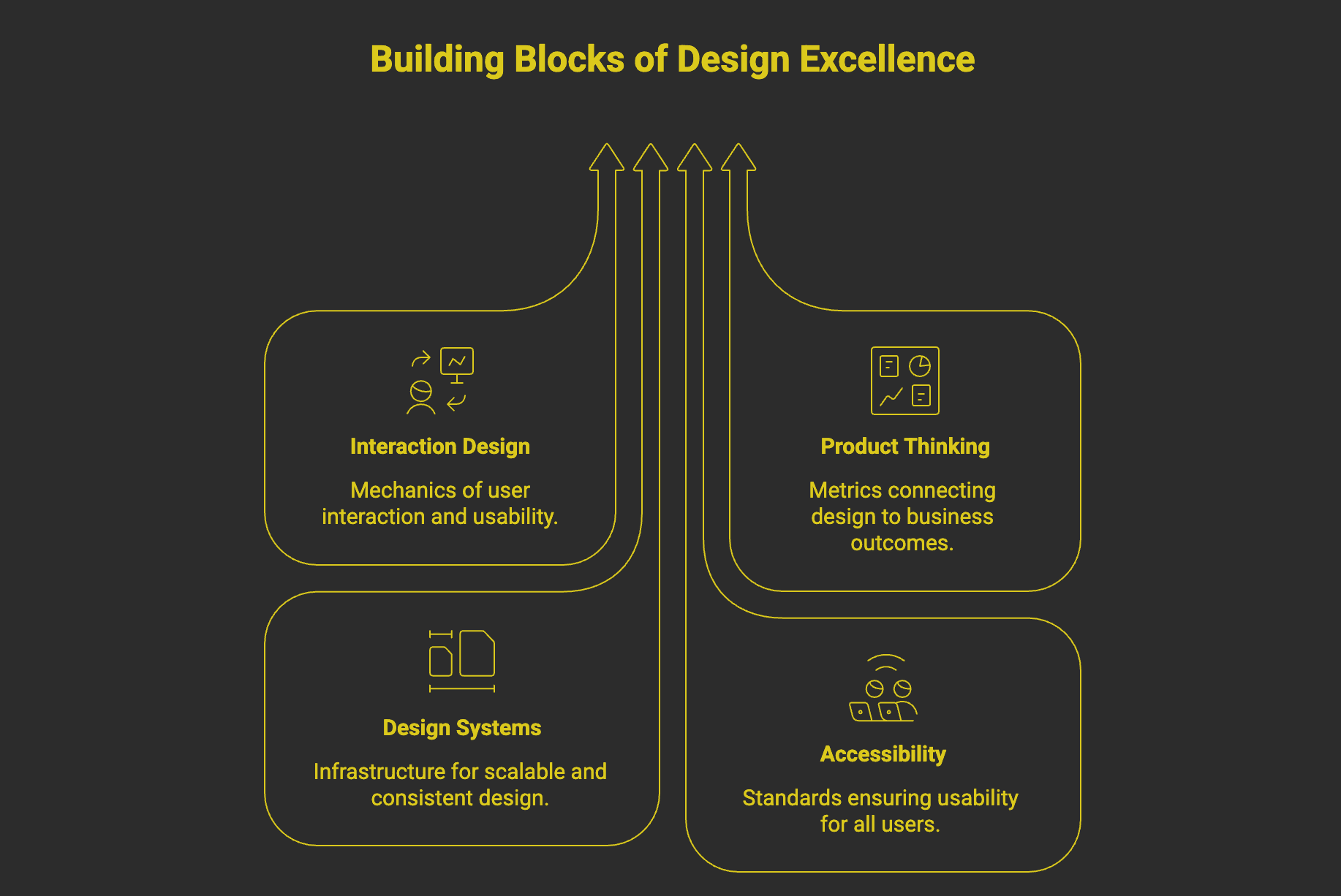
There are four bodies of knowledge every designer should be able to speak to fluently: interaction design principles, product thinking, design systems, and accessibility. The terms themselves aren't the point they're handles on concepts you're likely already applying. What matters is being able to reach for the right handle at the right moment, in a client meeting, a critique, or a job interview, and use it to say something true about your work.